• Pricing
    • Individual Memberships
    • Group Memberships
  • Webinars
  • Support Hub
    • Full List Of Guides
    • Help & FAQ
    • Partnerships
    • About Us
    • Blog
    • Contact Us
  • Member Section

fpPathfinder

Helping Diligent Advisors Ensure They're On The Right Planning Path

  • Pricing
    • Individual Memberships
    • Group Memberships
  • Webinars
  • Support Hub
    • Full List Of Guides
    • Help & FAQ
    • Partnerships
    • About Us
    • Blog
    • Contact Us
  • Member Section
  • Become a Member
    Log In

Guide Updates: How Do We Do It?

November 3, 2022
Company Announcements, Updated Resources

Members frequently ask, “How does fpPathfinder update checklists, flowcharts, and summary guides?” The following explains how we approach guide updates.

The Team

Let’s start with the most important part of the guide update equation: The team. Without a doubt, there’s no substitute for having CFP®-credentialed advisors annually review and audit the checklists, flowcharts, and summary guides to ensure accuracy. When the fpPathfinder team updates guides, members receive a notification of the change. What’s more, the team will mark the guides as updated in the member section. 

The Updates

The following are the notable changes that will kick off review and updates: 

  1. Legislation or regulations are proposed but not finalized: We may make a note on the guide description page to alert fpPathfinders members that a guide may be affected by proposed laws and regulations. In this scenario, the team will refrain from materially updating the guides until proposals are finalized. In certain cases, the team may create a guide purely on the proposed regulations if the change is expected to ignite a lot of planning questions. 
  2. Legislation signed into law: When there is new legislation, the team will take one of the following steps:
    • Make a note on the guide description page that the new regulations or laws may affect the guide.
    • If the new legislation is significant, the team may prepare a guide that addresses any new planning issues that relate to the legislation.
    • Generally, however, because most legislation that passes does not become law immediately, the team will wait until Q1 to incorporate new legislation. This helps mitigate any last-minute changes before the team begins the process. 
  3. Annual limits: As the various annual limits are published, the team identifies the checklists, flowcharts, and summary guides they affect and queues them for updates before the end of the year.  
The Timeline

It takes time, clarity, and organization to update and maintain the guides. The following offers insight into the process the fpPathfinder team follows:

  1. During Q1 of each year, the team focuses on reviewing the guides to incorporate any new laws or legislation that went into effect in the new year.
  2. During Q2 and Q3, the team reviews the existing guides to ensure they are accurate and have incorporated member feedback. While our audit process occurs throughout the year looking for critical errors, this is when we may address non-urgent issues (such as enhanced clarity or additional planning points).
  3. During Q4, the team reviews all guides and updates the annual limited as needed. The Important Numbers guide is the first guide to be updated as soon as the annual limits are published. The team then updates the remaining guides by the end of the year.
Our Purpose

All of us at fpPathfinder are here to facilitate more diligent communication between you and your clients about financial planning topics. To support you, our team creates checklists, flowcharts, and summary guides so you can navigate client communications with confidence. The process our team follows speaks to the purposeful craftsmanship with which we approach every guide. 

If you are an fpPathfinder member, you already understand how important the updates are. It’s wonderful to have what you need at your fingertips. You’ll never wonder if you’re looking at the most current, relevant information, and you can proceed with confidence.

Not yet an fpPathfinder member? We can help you with that. You can visit the Become A Member page to explore Premier, Deluxe, and Essentials membership and select the one that moves you closer to your goals. If you’d like a more personalized experience, register for a live demo with the fpPathfinder team. Bring your questions and we’ll be happy to answer them on the spot. 
Schedule A Live fpPathfinder Demonstration

Sign Up to Receive Updates

Join our mailing list to be updated as we release new flowcharts and checklists that might be of interest.
  • This field is for validation purposes and should be left unchanged.

Categories

  • Service Guides – Linked
    • Guide Bundles
    • Timely Conversations
    • Age-Related Planning
    • Money In Motion
    • Top 10 Most Popular Resources
    • Client Service Calendar
  • How Advisors Use The Checklists and Flowcharts
    • Best Practices
    • Getting Started
    • Marketing
    • Planning Management
  • Announcements
    • Company Announcements
    • Resource Additions
    • Feature Annoucements
    • Updated Resources
  • In The Press
  • Uncategorized

Become a Member

See how our flowcharts and checklists help you navigate complex financial planning questions.
Become a Member

What Customers Are Saying About Us

Hundreds of other advisors are actively using fpPathfinder. Read what those lovely people have to say about us.
“It’s brilliant to boil complex planning strategies into a one-page flowchart. It totally beats having to read 4 -5 articles to understand each nuance and exception, especially on the tax issues.”
— Meghan, an advisor in Georgia
“I love it! I find it very helpful. It's a great client value add.”
— Phillip, an advisor in North Carolina
“I think fpPathfinder is the best tool I’ve ever seen in the financial planning realm. I spend an unbelievable amount of time researching some of these issues that have been boiled down to one page: consulting with other experts, citing specific sources as a backup, reviewing my work, and coming to a final conclusion.”
— Jeff S, an advisor in Missouri
“With all the aspects of running a business, working with varying client scenarios, and knowing how much information is available, I like being able to look at a flowchart and just see what I need to see.”
— Mike, a financial advisor
“Our firm had been looking for something like this for so many years. A standardized checklist or flowchart of important issues to consider, and a way to integrate the responses into our system. When we stumbled across your service, I couldn't have signed up any quicker. We now use the checklists to conduct monthly webinars about the all of the important topics”
— An advisor in Texas
“I can’t tell you how much I appreciate the Flow Charts you are providing. Helps me feel a little less crazy as an advisor.”
— Tami C, an advisor in Colorado
“I just met with a client who had a question regarding her eligibility for Social Security benefits. We went through the flowcharts answering each question and following the lines. She looked at me and said 'This is great, it was so much easier to use this than trying to go through all the literature that Social Security offers. Thank you so much.'”
— Ben G, an advisor in Wisconsin
Become a Member
  • Become a Member Archived
  • Member Section
  • Your Membership
  • About Us
  • Contact Us
  • Refund Policy
  • TOS & Privacy Policy
  • Careers: Job Postings

Sign Up For The Newsletter!

Join our mailing list for best practices and ideas for better client conversations.
  • This field is for validation purposes and should be left unchanged.

Have a question, idea, or comment? We want to know! Contact Us

Copyright © 2026 fpPathfinder, All rights reserved.

Streamline A Standout Client Experience With Interactive Checklists

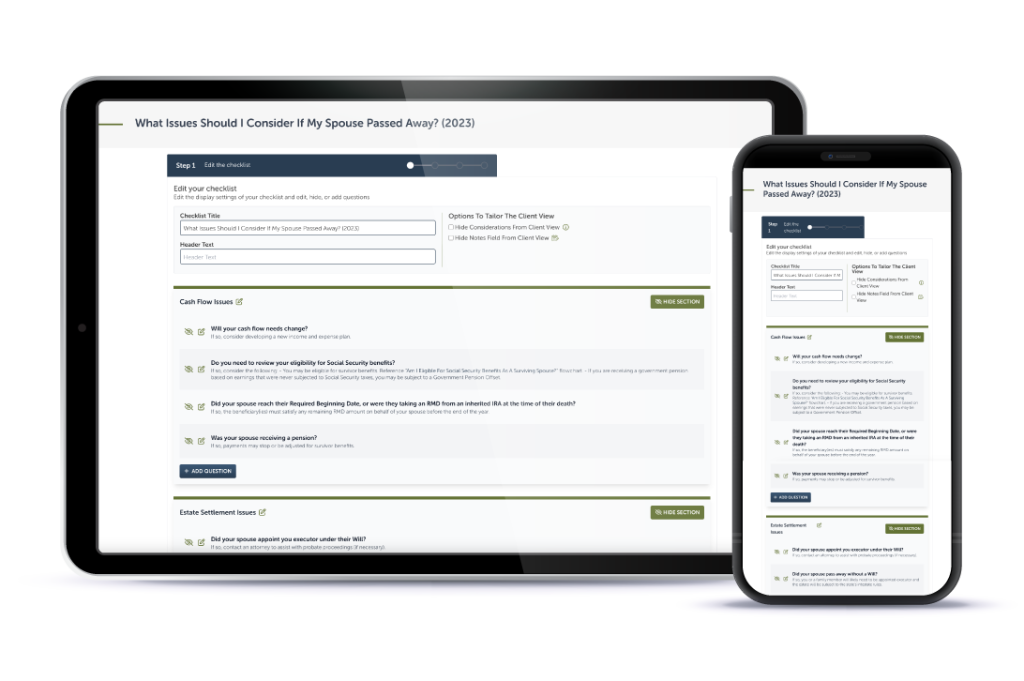
Premier unlocks Interactive Checklists plus CRM integrations with Redtail, Wealthbox, Salesforce Financial Services Cloud, and XLR8.

Learn More

Educate And Impress With Branded Flowcharts, Checklists, And Summary Guides

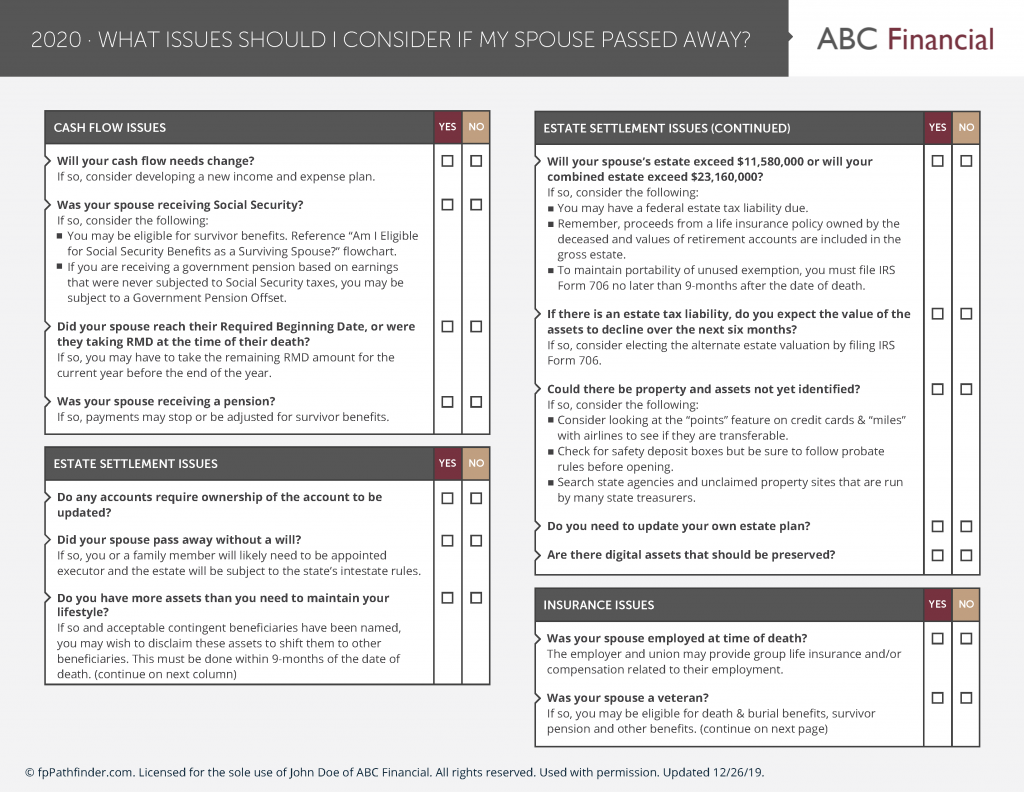
Deliver white-labled handouts clients won’t want to put down. Upgrade to Deluxe or Premier to white label the guides.

Learn More

Download all your white-labeled guides in one zip file for faster, easier sharing.

Upgrade to Deluxe or Premier for access to this feature.

Learn More

Deliverable Reports: Do More With Less Effort

Upgrade to Deluxe for Single Report Access or Premier Membership for full access. Premier Members can unlock the capability to scale your client communications with the CSV upload option that generates client-specific PDFs. View a Demo here.

Join as a Premier Member

Close
Retry