• Pricing
    • Individual Memberships
    • Group Memberships
  • Webinars
  • Support Hub
    • Full List Of Guides
    • Help & FAQ
    • Partnerships
    • About Us
    • Blog
    • Contact Us
  • Member Section

fpPathfinder

Helping Diligent Advisors Ensure They're On The Right Planning Path

  • Pricing
    • Individual Memberships
    • Group Memberships
  • Webinars
  • Support Hub
    • Full List Of Guides
    • Help & FAQ
    • Partnerships
    • About Us
    • Blog
    • Contact Us
  • Member Section
  • Become a Member
    Log In

New Feature Announcement: Updated & Improved CRM Notes Integration

March 10, 2021
Announcements, Feature Annoucements

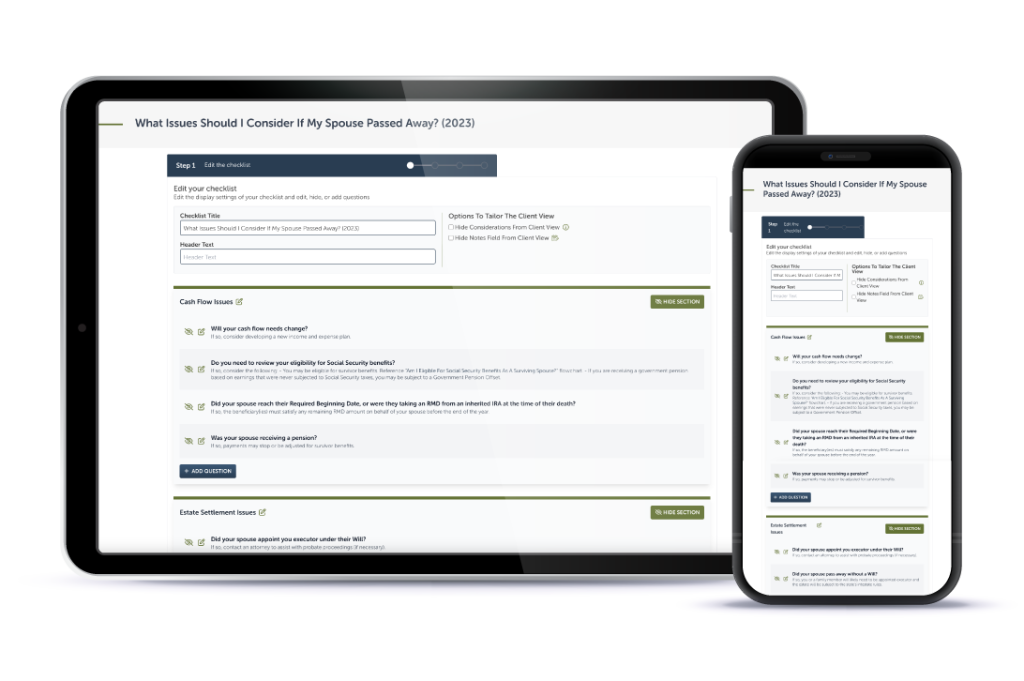
The Premier member experience has been upgraded with the debut of an updated and improved CRM notes integration feature. From now on, when you save the integrated checklist, the notes will be organized to allow you to:

  1. Focus your activities: Every planning issue identified (answer YES to the probing questions) is clearly visible at the top of the note so you can easily see your follow-ups and take action.
  2. Enhance your efficiency: All of the planning issues identified (answer YES to the probing questions) and notes are summarized in a single task and marked as “research and address possible issues” for follow-up.
  3. Underscore your diligence: All unanswered questions will be summarized in a single task for you to “gather more information to identify possible planning issues.”

Why It Matters
The improved CRM integration will help keep the important information top of mind. The planning opportunities you help your client identify will be clearly available in the notes and then organized into a follow-up and follow-through task.

You will discover immense value from the improved CRM integration when you:

  • Allow fpPathfinder to create the tasks and to-dos for you to save time.
  • Commit to attending to every detail and highlight planning opportunities, particularly if clients are completing the checklists via the Share A Link functionality.
  • Leave a question intentionally unanswered because you will revisit it later and want it assigned as a future task.
  • Want to assign tasks to people on your team.

It’s a great time to become a member or upgrade your membership to Premier. New resources and features are rolling out regularly. So go ahead and take make your move. You’ll be able to take advantage of this, and every feature fpPathfinder has to offer! 

Other recent feature releases have included a beta-test of five interactive flowcharts and Share A Link. Read more and consider how you can fully leverage your fpPathfinder membership.
Sign Up to Receive Updates

Join our mailing list to be updated as we release new flowcharts and checklists that might be of interest.
  • This field is for validation purposes and should be left unchanged.

Categories

  • Service Guides – Linked
    • Guide Bundles
    • Timely Conversations
    • Age-Related Planning
    • Money In Motion
    • Top 10 Most Popular Resources
    • Client Service Calendar
  • How Advisors Use The Checklists and Flowcharts
    • Best Practices
    • Getting Started
    • Marketing
    • Planning Management
  • Announcements
    • Company Announcements
    • Resource Additions
    • Feature Annoucements
    • Updated Resources
  • In The Press
  • Uncategorized

Become a Member

See how our flowcharts and checklists help you navigate complex financial planning questions.
Become a Member

What Customers Are Saying About Us

Hundreds of other advisors are actively using fpPathfinder. Read what those lovely people have to say about us.
“With all the aspects of running a business, working with varying client scenarios, and knowing how much information is available, I like being able to look at a flowchart and just see what I need to see.”
— Mike, a financial advisor
“fpPathfinder has been critical in my execution of financial planning. They provide well thought resources for when clients face specific problems, and I use them over and over again.”
— Roger Whitney, CFP®️, CIMA®️, CPWA®️
“The flowcharts have helped a lot in recent discussions with the changing markets, providing us with confidence that our clients are getting the best, most accurate information.”
— Matthew, an advisor in Georgia
“I can’t tell you how much I appreciate the Flow Charts you are providing. Helps me feel a little less crazy as an advisor.”
— Tami C, an advisor in Colorado
“It’s one of the best software products I have seen. It’s exactly what I have been looking for and trying to build internally. Well done!!!”
— Kate, an advisor in Florida
“The decision tree format has been immensely helpful. The design is very simple and elegant.”
— Deirdre, an advisor in Massachusetts
“I love your resources, you guys & gals have helped us take our practice to the next level!”
— Trevor, an advisor in California
Become a Member
  • Become a Member Archived
  • Member Section
  • Your Membership
  • About Us
  • Contact Us
  • Refund Policy
  • TOS & Privacy Policy
  • Careers: Job Postings

Sign Up For The Newsletter!

Join our mailing list for best practices and ideas for better client conversations.
  • This field is for validation purposes and should be left unchanged.

Have a question, idea, or comment? We want to know! Contact Us

Copyright © 2026 fpPathfinder, All rights reserved.

Streamline A Standout Client Experience With Interactive Checklists

Premier unlocks Interactive Checklists plus CRM integrations with Redtail, Wealthbox, Salesforce Financial Services Cloud, and XLR8.

Learn More

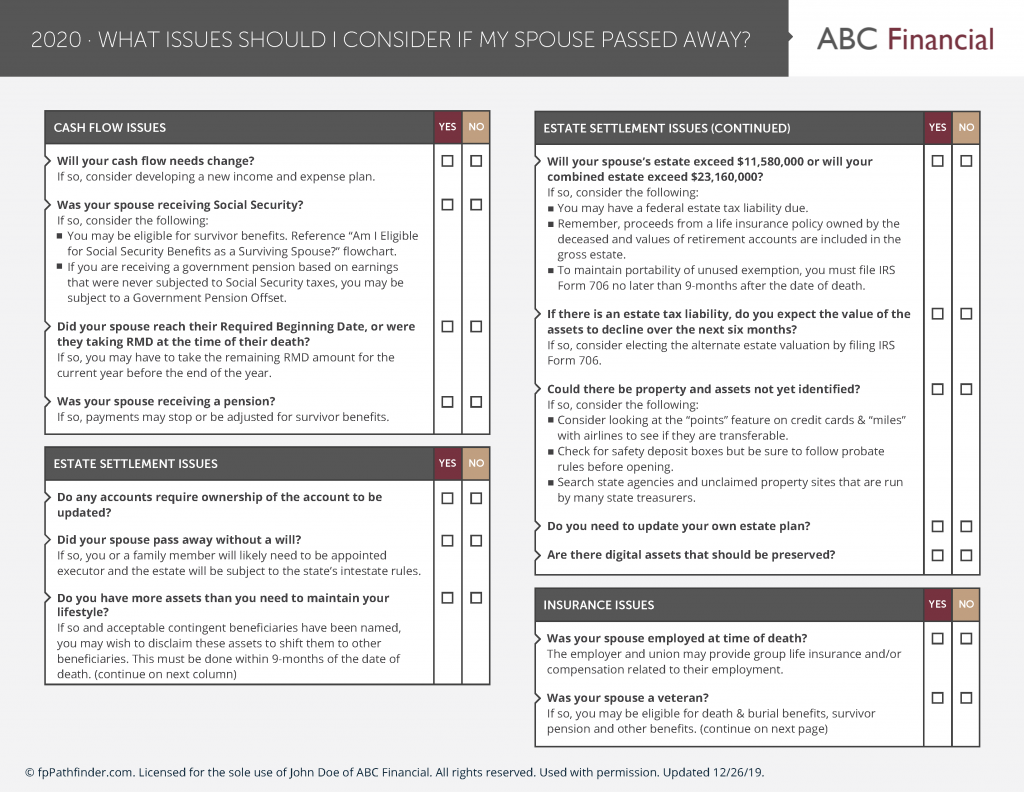
Educate And Impress With Branded Flowcharts, Checklists, And Summary Guides

Deliver white-labled handouts clients won’t want to put down. Upgrade to Deluxe or Premier to white label the guides.

Learn More

Download all your white-labeled guides in one zip file for faster, easier sharing.

Upgrade to Deluxe or Premier for access to this feature.

Learn More

Deliverable Reports: Do More With Less Effort

Upgrade to Deluxe for Single Report Access or Premier Membership for full access. Premier Members can unlock the capability to scale your client communications with the CSV upload option that generates client-specific PDFs. View a Demo here.

Join as a Premier Member

Close
Retry